









GSkills is enriched with a new possibility which makes it possible to link the platform to the real usage indicators of your Google Workspace, Gemini and ChromeOS environment. A connection designed to better understand what happens once the training is launched, without technical complexity and without affecting your content.
Why this connection exists
You already see what is happening in GSkills: completed courses, successful quizzes, badges earned, progress on learning paths. GSkills helps you organize and facilitate skills development on Google Workspace, Gemini and ChromeOS in your organization.
But a question comes up all the time from the IT department, business lines or project sponsors:
"Ok, they are progressing in GSkills... but what does that really change in Google Workspace on a daily basis?"
The new connection to the Google Admin console precisely answers this question. It allows you to bring together what employees learn in GSkills and what they actually do in Gmail, Drive, Google Docs, Sheets, Slides, Meet, Chat, Gemini or even on their Chromebooks.
Quick reminder: what is GSkills, concretely?
GSkills is a platform that helps teams develop skills and adopt Google Workspace, Gemini and ChromeOS in the long term.
In practice, for your employees, this translates into:
- short and concrete educational content on Gmail, Calendar, Drive, Docs, Sheets, Slides, Meet, Chat, Chromebook, IA Gemini, etc.\n
- guided paths, quizzes, points and badges to track your progress.\n
- a specialized AI that relies on this content to explain and illustrate uses on a daily basis.\n
For your project teams (IT, training, change, business), GSkills serves as a dashboard for skills development: who connects, who progresses, which paths work best, which content really catches on.
The new connection to the Google Admin console completes this picture with another dimension: the actual use of the tools.
In one sentence: what this connection does
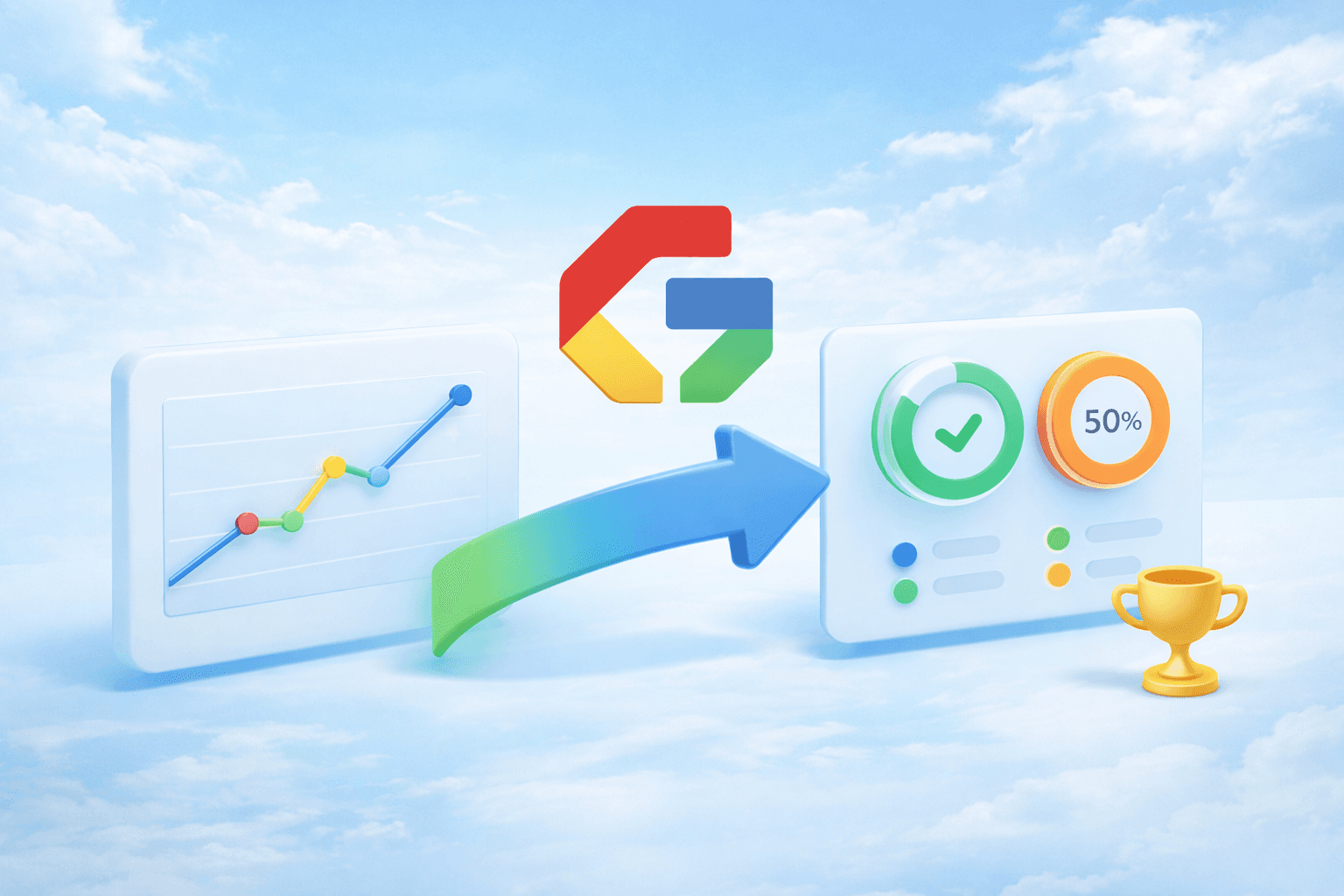
For GSkills Premium and Platinium customers who activate it, GSkills automatically retrieves usage statistics from your Google Workspace, Gemini and ChromeOS environment, then displays them in easy-to-read dashboards within GSkills.
Not to administer your domain. Not to read your content. Only to pilot adoption.
What is it really used for: three typical scenarios
1. You launch a Gemini plan and you have to prove that "it's catching on"
You deploy Gemini, you communicate, you offer a dedicated path in GSkills. The challenge: to quickly demonstrate that the uses are being put in place.
With the connection activated, you see for example:
- how many people really use Gemini in the period\n
- in which products the AI is most used: Google Docs, Gmail, Google Slides, Google Sheets or in Gemini App\n
- which organizational units are adopting these new uses the fastest\n
- if we are still in a test phase or if the uses are being installed (evolution over time, recurrence). \n
You no longer only show "X people have completed the Gemini course in GSkills", but also "Y people use Gemini every week in their Google tools".
2. You migrate from Microsoft and you need to track the real switchover
In a migration project, it is not enough to train. You have to verify that the reflexes are actually changing.
The connection allows you to visualize for example:
- the proportion of Google Docs, Google Sheets, Google Slides files compared to Word, Excel, PowerPoint files\n
- the evolution of this distribution over time
- which organizational units adopt Google formats most quickly
- how usage evolves in Drive, Meet, Chat, Gmail during migration.
In short, you can see whether teams are really leaving Office for Google Workspace and at what rate.
3. You need to justify a more complete Google Workspace investment
You have strengthened your licenses, activated new services, deployed Chromebooks. Management expects proof.
Thanks to data from the Google Admin console, combined with GSkills activity, you can show:
- the increasing use of Google Workspace (Drive, Docs, Sheets, Slides, Meet, Chat, Gmail)
- the progression of Gemini AI usage in the organization
- the level of activity and equipment of Chromebook fleets
- the differences in adoption between countries, sites, businesses or organizational units.
These are no longer just impressions. These are curves, period comparisons, differences between populations.
What you see concretely in GSkills
Once the connection is activated, GSkills displays:
- synthetic indicators of Google Workspace usage: volumes of emails, creation and modification of Drive files, Meet meetings, Chat activity, etc.
- a specific focus on Gemini: number of interactions, apps used, depth of usage, evolution over time
- a view of your Drive files to track the adoption of the Google ecosystem compared to Microsoft Office
- park and activity indicators for your Chromebooks and other devices managed via Google.
All filterable by period and, depending on your configurations, by organizational units or country.
The objective is not to replace the Google Admin console, but to make visible, in a few "adoption" oriented screens, the data that interests your sponsors and your internal referents, without them having to navigate in technical reports.
A particular zoom on Gemini
Gemini is often the most sensitive part of your projects: it's new, strategic, sometimes closely observed by management and security teams.
The data available on the Google side on Gemini is finer than for other services, which makes it possible to build particularly telling dashboards, for example:
- comparison of use by organizational units
- number of disengaged users
- distribution by type of use: text generation, summary, writing assistance, suggestions, etc.
- the most used features in the company
- distribution by tool: Google Docs, Gmail, Google Slides, Google Sheets, Gemini App.
You can quickly distinguish:
- a phase of curiosity (a few isolated clicks)
- an appropriation phase (repetitive uses on certain tools)
- a routine phase (Gemini used every week by a significant proportion of teams).
And for organizations migrating from Microsoft
If you're switching from a Microsoft environment to Google Workspace, this connection acts as a seismograph of change.
In GSkills, you can track, period after period:
- the decline in the share of Word, Excel, PowerPoint files
- the increase in Docs, Sheets, Slides files
- the evolution of activity in Drive, Meet, Chat
- the appearance and rise of Gemini uses (Gemini App, Docs, Gmail).
This allows you to identify:
- teams that switch quickly and those that stay on their habits for a long time
- the moments when it is necessary to relaunch a communication or propose a new GSkills course
- concrete successes to share internally.
What GSkills sees, what GSkills doesn't see
As soon as we talk about usage statistics and AI, confidentiality immediately comes to the table. And that's normal.
The principle is simple:
- GSkills collects usage signals
- GSkills never recovers business content.
Specifically, GSkills can know that a user:
- sent emails
- created or modified files in Drive
- participated in Meet meetings
- used Gemini to generate or summarize content.
On the other hand, GSkills does not see:
- the content of e-mails
- the content of documents, spreadsheets or presentations
- the text of the prompts sent to Gemini
- the result of AI generations
- conversations in Google Chat.
The data are minimized, aggregated and isolated by organization. Encrypted identifiers are used for some advanced uses to reconcile granularity of analysis and confidentiality.
The goal is clear: to help drive adoption, not observe the business.
How's client-side activation going?
Nothing is automatic. The connection only exists if you request it and if your IT teams validate it.
In practice, activation follows four steps:
- Framing exchange Together, we clarify the scope, the data used, the expected uses and the security issues.
- Internal validation Your security and IT teams validate the data types and rights required for the GSkills service account.
- Technical implementation Your Google administrators activate the agreed rights in the administration console, in coordination with the GSkills team.
- Dashboard control Once the first data is received, we verify together that the indicators are working and that they meet your expectations.
The connection remains adjustable: if your scope changes, or if you want to limit or extend certain elements, this can be done over time.
And next: towards an even more complete reading of adoption
The version you are discovering is a first step. It already provides concrete indicators to follow, in the same place:
- skills development in GSkills
- real use of Google Workspace, Gemini and ChromeOS.
What we are preparing for the future is simple in its intention: to link real usage statistics more closely with everything that GSkills already knows about your content, your courses and the progress of your teams, in order to make the concrete impact even more readable, without ever touching the content of your documents.
The ultimate goal: to allow you to answer, with figures and graphs, this question that all directions ask sooner or later:
"Do our employees really use Google Workspace, Gemini and our Chromebooks better than they did six months ago? "
Want to know more or activate it at home?
If you are already a GSkills customer, contact your Numericoach contact to discuss activating the connection to the Google Admin console on your instance.
If you don't know GSkills yet, this feature is a good entry point to discover how the platform can help you drive the adoption of Google Workspace, Gemini and ChromeOS on a large scale, with quantified and readable evidence for your sponsors.
For an overview of what this connection offers and the dashboards available, you can consult the dedicated page.