









The GSkills AI assistant is a bit like the office person who knows everything about Google Workspace, Gemini and Chromebooks... except they never take a vacation.

Imagine the scene. You've just heard about NotebookLM in a meeting. Everyone nods, someone says "we should really get on with it", and you leave with a simple question: "okay, but where do I start, concretely?" You open GSkills, ask the AI assistant the question, and in a few seconds it will show you the steps: what is NotebookLM, how to add sources, what a demonstration looks like, how to share the result. At each step, it doesn't just answer, it directly offers you the right GSkills page, the right GIF, the right few-minute video capsule that shows the action in the Google interface.
Welcome to GSkills version skills enhancement.

An assistant that really knows your content, not just the theory
The GSkills AI assistant is a conversational assistant integrated into your instance. You ask it your questions in natural language, it answers you based on two pillars:
- GSkills educational content, designed by Numericoach experts on Google Workspace, Gemini and ChromeOS.
- The resources that your organization decides to add to GSkills: internal procedures, key documents, video capsules, business resources.
Unlike a “generic” AI, the assistant does not only respond with what it finds on the web. It relies first on what your instance already knows: pages, tutorials, quizzes, video capsules, internal resources, knowledge specific to your company.
Specifically, when you ask a question like "How do I use NotebookLM for my marketing team?":
- it starts by explaining the tool in simple terms;
- it offers you the right GSkills page that describes the important concepts;
- it refers to the GIFs that show the clicks to be made;
- it suggests a very short video that illustrates the process from start to finish.
You are not referred to general documentation, but to content designed to support the adoption of these tools in a business context.
When AI also knows your own resources
Where the AI assistant becomes really interesting for an organization is when it combines GSkills content with your content.
In GSkills, you can declare internal files in several ways (uploaded directly to the platform, link to a Drive file, business resource or knowledge). The AI assistant does not read the content of the files, nor the metadata stored in Google Drive. It relies solely on what you describe in GSkills: title, summary, resource type.
However, this is enough to create useful answers. For example:
- You have a “Expense report validation process” file referenced in GSkills.
- A new employee asks the question: “I'm starting on Google Sheets, how do I enter my expense reports at our company?”
- The AI assistant reminds them of the basics of Google Sheets, offers them a GSkills tutorial to master the basic formulas, then adds: “In your company, this process is detailed in 'Expense report validation process'. You can refer to it to follow the internal procedure.”
Same logic with accounting guides, HR procedures or operating procedures linked to Gems, Meet or Drive. You keep control of the documents, the AI assistant becomes the guide that knows what to show, to whom, and at the right time.
Video capsules rather than blocks of text
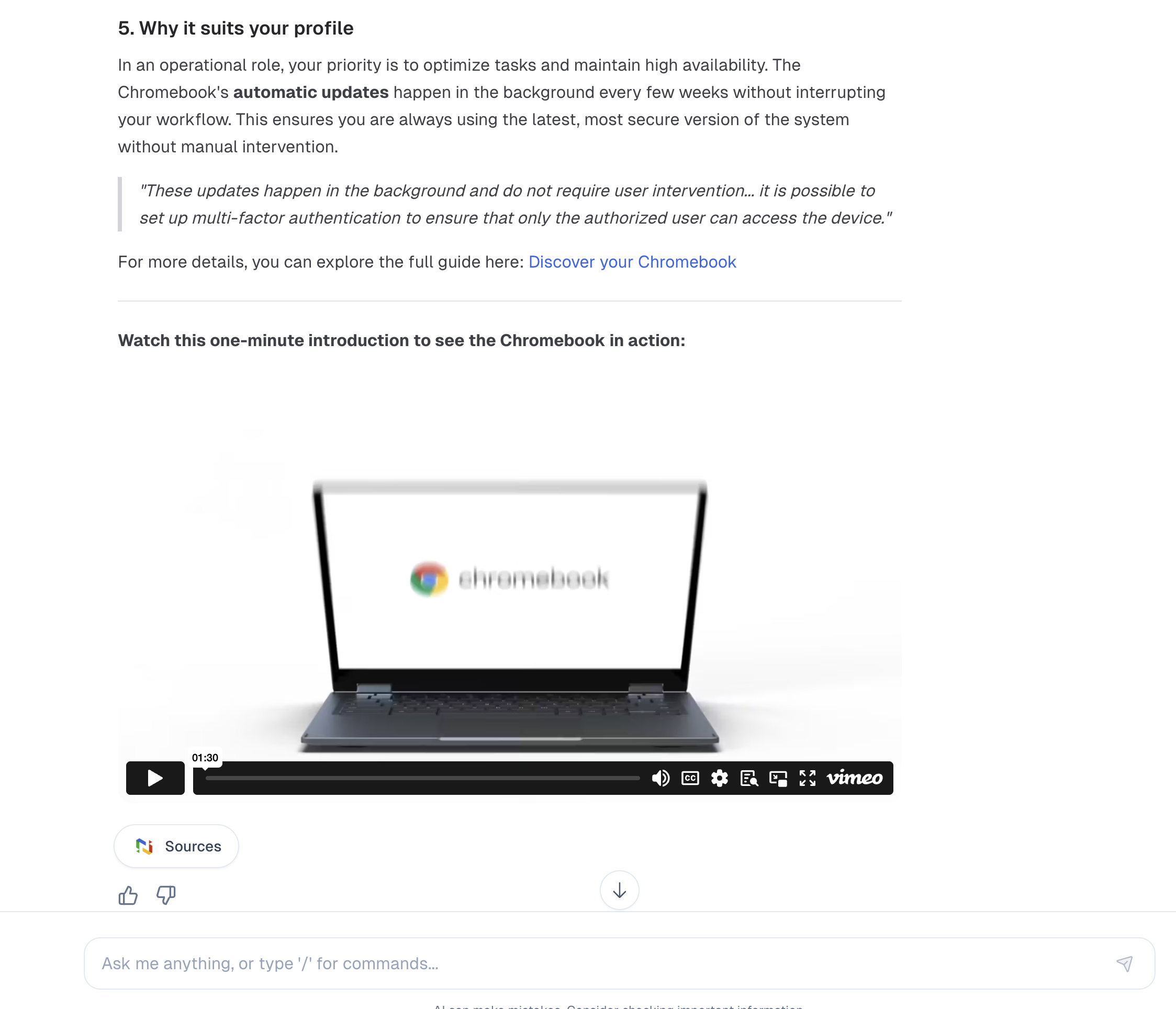
Not everyone wants to read an entire page to understand how to organize their Gmail box or use Gemini in Docs. The AI assistant knows this. When relevant, it offers very short video capsules, filmed demos, excerpts that show exactly where to click.
In practice, this gives answers such as:
“To create a filter in Gmail, you can follow this written tutorial. If you prefer, here is a 2-minute video that shows you the manipulation.”
This approach works particularly well for concrete topics: setting up a label, sharing a Drive folder, starting a Meet meeting with recording, activating a Gemini feature in a document.
Some situations where the AI assistant really changes everyday life
Rather than talking theory, let's look at some scenes from life.
First day in the company.
A new recruit arrives. She already knows a little about Google Workspace, but not necessarily your internal rules. In a few questions, she can:
- review the basics of Gmail, Drive, Sheets or Chromebooks with the adapted GSkills pages;
- discover the video capsules and quizzes to locate yourself;
- find important internal procedures, for example the creation of a shared space for his team or the email archiving policy.
All while staying in a simple conversation, without having to search through a thousand menus.
The digital referent who does not have time to explain everything.
In many companies, one or two people spontaneously become "those who know the most about Google Workspace". The AI assistant serves as their relay. They can tell their colleagues:
"Before calling me, ask the assistant in GSkills. You will already have tutorials, videos and our own internal documents. And if that's not enough, we'll see together. »
Result: fewer repetitive requests, more time for difficult questions.
Business teams that build their own library.
The finance, HR, sales, logistics or communication departments can reference their procedures in GSkills: operating procedures, document templates, reference materials. The AI assistant then links them to users' questions. A collaborator can thus ask:
"How to prepare a sales dashboard in Sheets, with our indicators? »
and receive both GSkills advice on Sheets, and a reference to the internal resource "Sales dashboard template".
Teams who want to take advantage of Gemini without getting lost
Gemini is now present everywhere in Google Workspace. The AI assistant helps answer very concrete questions such as:
- "What can I ask Gemini in Docs to save time on my reports? »
- "How to use Gemini in Gmail without degrading the quality of my responses to customers? »
It relies on the pages, examples and content prepared in GSkills to illustrate reasoned uses, adapted to the company's context, not magical promises.
What happens next: Numeriblog, Numeritube and company
Today, the AI assistant already relies on the GSkills content available in your instance and on the internal content that you choose to reference there.
We are preparing the next step:
- connection to the Numeriblog article database, which has gathered thousands of articles on the Google environment for years;
- more systematic links to Numeritube to offer webinar replays and longer videos when text is not enough.
These integrations are not yet available at the time you are reading these lines. They are part of the planned developments to enrich the responses of the AI assistant, with even more complete and varied content.
AI under control, aligned with your company policy
In some organizations, AI is a sensitive subject. GSkills was designed to adapt to these realities.
- AI can be disabled for an entire instance if you do not want to offer it to your employees.
- It can also be enabled only for certain groups of people, such as a pilot team, a country, or digital ambassadors.
So you keep control over who has access, when and in what context.
On the data side, the AI assistant remains within the borders of your instance:
- it relies on GSkills content and documents that you have explicitly referenced in the platform;
- it does not read the content of Drive files or their metadata, only the information you have decided in GSkills (title, description, resource type);
- it does not replace official Google support for technical incidents, billing or account management.
How to take advantage of it in concrete terms?
If you are already a GSkills customer, the AI assistant is accessible in your space, alongside your courses and resources. Depending on your offer, you benefit today from an AI assistant, Gemini tutorials and, for more complete offers, a knowledge base rich in written tutorials, video capsules and webinar replays.
It naturally becomes the first reflex when you have a question about Google Workspace, Gemini or your own internal procedures: instead of looking "somewhere in a shared document" or "in an old email", you ask the AI assistant, which sends you to the right content, in the right format, at the right time.
If you are discovering GSkills, simply remember this: the AI assistant is not just another curiosity. It is a daily companion that brings together three worlds that, until now, lived each in their corner:
- your employees and their very concrete questions;
- the GSkills content built to support the development of skills on Google Workspace, Gemini and ChromeOS;
- your own internal resources, adapted to your business and your house rules.
And it is precisely in this place that the real adoption of tools begins to change.