











Artificial intelligence is now everywhere. In our browsers, our smartphones, our professional tools and even directly in our inboxes. And while it saves considerable time on many tasks, it also raises new problems for companies.
Because imagine for a moment: your company has invested in Google Workspace and Gemini to provide a coherent, secure and controlled work environment. But for their part, some employees continue to use their personal ChatGPT account to write emails, analyze contracts or summarize internal documents.
And all this, without necessarily informing you.
Welcome to the world of Shadow AI, a phenomenon that can quickly become a real headache for companies that seek to maintain control of their data.
So, what exactly is Shadow AI? Why do your employees continue to use unapproved tools? And above all, how can this phenomenon be limited thanks to Gemini and GSkills?
We explain everything!
What exactly is Shadow AI?
You may have already heard of Shadow IT, this practice which consists of using software, applications or IT services without prior validation from your company.
Well, Shadow AI is based on the same principle, but applied to artificial intelligence.
Specifically, it is the use of AI tools by employees, outside the framework defined by their organization.
And there are plenty of examples:
- A salesperson who uses their personal ChatGPT account to write a sales proposal.
- An HR manager who asks an AI to summarize internal documents.
- An employee who imports a contract into an external AI assistant to get a summary.
- An accountant who transmits invoices to an AI tool to facilitate their analysis.
At first glance, nothing too worrying. After all, these employees are simply looking to save time and be more productive.
But that's where things get complicated.
The problem is not necessarily the use of AI, but rather the control of the information we transmit to it.
Why does Shadow AI pose a risk to your company?
Let's take a simple example.
Imagine that a salesperson wants to prepare a prospecting campaign. To save time, they decide to import a list of customers into their personal AI assistant to ask it to write personalized emails.
In this list, we find names, email addresses, phone numbers and potentially other commercial information.
The employee is satisfied: in a few minutes, they have generated their emails and saved precious time.
But from the company's side, several questions arise.
Where was this data sent? What retention rules apply? Who can access it? And above all, does this use comply with internal policies and confidentiality obligations?
Warning, this does not mean that all AI assistants automatically reuse the transmitted data to train their models. The processing and retention conditions may vary depending on the services, offers and parameters used.
However, when an employee uses an unapproved personal tool, the company can lose visibility and control over how its information is processed.
And we are not just talking about customer lists.
Invoices, financial documents, confidential contracts or strategic information may also be concerned.
A real data governance issue, which deserves to be taken seriously.
Why do your employees use other AIs, even if you already offer Gemini?
That's a particularly interesting question.
Because if your company has already deployed Gemini in its Google Workspace environment, why would some employees continue to use ChatGPT or other assistants?
The answer is probably simpler than we think: out of habit, and sometimes simply due to a lack of knowledge about Gemini.
Personal habits are difficult to change
Let's take the case of an employee who has been using ChatGPT for several months, even years.
They already have their conversation history, personalized instructions, and perhaps even a memory fed by their exchanges.
They know how to formulate their requests, understand the tool's capabilities, and have developed genuine usage reflexes.
Overnight, their company announces that Gemini is becoming the preferred AI assistant.
But why would they change their habits if no one shows them what they can do with Gemini?
This is precisely the difficulty of adopting a new technology.
Making a tool available does not automatically mean that employees will adopt it.
And this doesn't just concern AI. This is a problem that is regularly encountered when deploying new collaborative tools.
Gemini is sometimes underestimated
Another problem comes from the perception of Gemini's capabilities.
Some users are very familiar with ChatGPT's capabilities, but much less so with Google's AI assistant.
Yet, Gemini can perfectly meet many professional needs:
- Write or rephrase emails.
- Summarize large documents.
- Translate content into different languages.
- Prepare reports.
- Structure ideas or presentations.
- Facilitate the analysis and understanding of certain information.
And for companies already using Google Workspace, Gemini has a particularly interesting advantage: its integration with the Google ecosystem.
Gmail, Docs, Drive, Sheets, and other collaborative tools can thus be part of a more coherent work experience, depending on the activated features and licenses.
But your employees still need to know how to actually use these possibilities!
Is banning other AIs really the right solution?
Faced with Shadow AI, the first reaction could be quite radical: simply prohibiting the use of unapproved assistants.
On paper, this seems like a rather logical solution.
But in practice, is it really enough?
An employee who already uses an AI assistant in their personal life may be tempted to continue using it for professional tasks, even if their company offers an alternative.
And if this alternative seems less effective to them, simply because they don't know it well enough, the problem is likely to persist.
So, rather than simply trying to prohibit, why not make employees want to use the AI offered by their company?
This obviously involves a clear usage policy, adapted security rules, and a properly configured professional environment.
But it also, and above all, involves user support.
Training employees on Gemini, showing them concrete use cases, and giving them the means to progress can significantly facilitate this transition.
And it is precisely on this subject that GSkills intervenes.
GSkills: supporting Gemini adoption to limit Shadow AI
Deploying Gemini within a company is a first step. But for this investment to be truly useful, employees still need to use it.
GSkills is a platform dedicated to learning, adoption, and monitoring the usage of the Google ecosystem, particularly Google Workspace, ChromeOS, and Gemini.
Its objective is quite simple: to enable each employee to develop their skills, at their own pace, while giving managers better visibility into tool adoption.
And in the context of Shadow AI, this approach makes perfect sense.
Learning to use Gemini with concrete examples
An employee who masters Gemini will have more reasons to use it daily.
For this, GSkills offers learning paths, tutorials, quizzes, and educational resources dedicated to Gemini.
The idea is not just to explain what artificial intelligence is, but above all to show how to use it in real professional situations.
Let's take a few examples:
A salesperson can learn to use Gemini to prepare their prospecting emails.
An administrative manager can discover how to summarize documents or structure information.
A leader can learn to prepare a report, organize their ideas, or facilitate the drafting of certain content.
All while developing best practices around prompt formulation and confidentiality.
And unlike a one-off training, GSkills allows this learning to be sustained over time.
A Chrome extension to find use cases directly in Gemini
This is probably one of GSkills' most interesting features for facilitating Gemini adoption.
With GSkills for Chrome, employees can find the use cases and prompts offered by GSkills or their company directly from the Gemini interface.
No more need to search for an old document containing prompt examples or browse dozens of resources to find an idea.
The extension notably allows you to:
- Find recommended use cases based on your profession.
- Search for prompts by category or keyword.
- Insert a prompt into Gemini with one click, while retaining the ability to modify it.
- Quickly access your favorite use cases.
- Find internal resources, as well as links to Gems and other useful features.
Imagine a collaborator who wants to translate a document or prepare a professional email.
Rather than habitually returning to their personal AI assistant, they can find an example tailored to their needs directly in Gemini.
They then just need to personalize their request.
On the company side, administrators can also organize the proposed use cases and provide resources adapted to different business lines.
Another interesting point: the internal catalog can be kept in a Google Sheets belonging to the company's environment.
A way to capitalize on the organization's best practices without letting them be dispersed in everyone's personal files.
The extension can be installed from the Chrome Web Store or deployed across an organization via the Google Admin console.
This is the whole logic of GSkills: making best practices accessible directly where employees work.
Track Gemini adoption with concrete indicators
Training your teams is good. But how do you know if they are actually using the tools provided to them?
This is an essential question for leaders investing in artificial intelligence.
GSkills offers dashboards to track employee progress and their engagement in learning paths.
Thanks to its integration with the Google Admin console, the platform can also leverage Gemini usage metrics and organizational units.
Specifically, this allows for a better understanding of:
- Which teams are using and adopting Gemini.
- Which training paths are being followed and completed.
- Which use cases interest employees.
- Which teams would need additional support.
- How adoption evolves over time.
The Chrome extension also provides indicators on consulted resources and catalog prompts sent to Gemini.
For a leader, the benefit is twofold: better support for their teams, but also concrete information to guide their investment in AI.
Because investing in Gemini licenses without knowing if they are actually being used is a bit like buying software for your entire company and hoping everyone learns to use it on their own!
How to concretely reduce Shadow AI in your company?
Now that we understand the problem, how do we act?
No need to start with a gigantic transformation. A few steps can already help to move in a better direction.
1. Deploy a coherent professional AI environment
For a company already working with Google Workspace, Gemini represents a particularly logical solution.
Integration with existing tools limits the proliferation of work environments and offers a more coherent experience.
The company can also rely on administration settings, professional licenses, and data management rules adapted to its organization.
2. Discuss with employees
Before trying to impose new habits, it is important to understand existing practices.
Which AI assistants are currently used? For what tasks? Why do some employees prefer one tool over another?
The answers will help identify real needs and potential obstacles to Gemini's adoption.
Because Shadow AI doesn't necessarily come from a desire to bypass rules. It can simply be the result of a lack of information or support.
3. Train teams, starting with leaders
What if the first user to support was ultimately the leader themselves?
Before asking their teams to adopt Gemini, it might be interesting to take the time to discover its features and understand its possibilities.
This approach then allows for better internal advocacy of change.
With GSkills, each employee can develop their skills through educational resources and use cases adapted to their daily life.
4. Observe usage and support progress
Finally, adoption should not stop at the deployment of Gemini.
By following the indicators available in GSkills, the company can identify the teams that are progressing, those that are encountering difficulties, and the use cases that generate the most interest.
This information allows for the evolution of learning paths and the provision of more relevant support.
The goal is not to monitor every conversation, but to understand how tools are adopted in order to improve practices.
Conclusion: to master Shadow AI, let's start by better adopting AI!
Artificial intelligence is now part of the daily lives of many employees, whether companies are fully aware of it or not.
And trying to prevent its use will not necessarily solve all problems.
However, providing a coherent professional environment, supporting users, and showing them the possibilities of Gemini helps build much better habits.
For companies already equipped with Google Workspace, Gemini provides a relevant basis for centralizing professional AI uses, with appropriate security and governance settings.
And with GSkills, this approach goes further: your employees can learn to use Gemini, discover use cases adapted to their job, and access resources directly from their assistant.
For your part, you have indicators to track adoption, measure progress, and guide your training actions.
Because ultimately, the best way to limit Shadow AI is not just to tell your employees which AI to use.
It's to show them why the one you offer deserves to become their new daily assistant.
Discover how to adopt Gemini with GSkills
Have you already deployed Gemini or are you considering integrating it into your company?
Discover how GSkills can support your employees, facilitate their skill development, and help you drive Gemini adoption.
Related articles
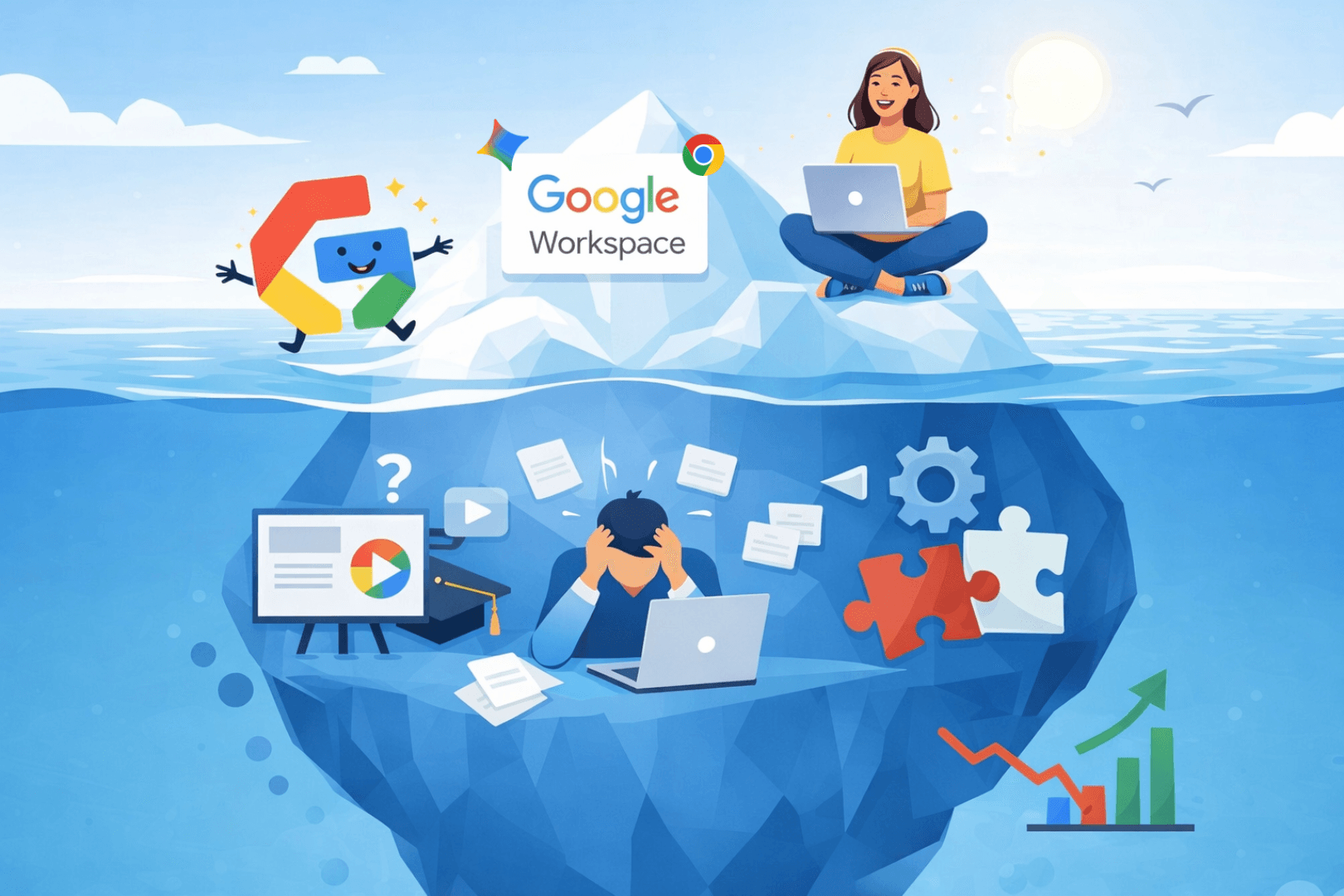
Google Workspace: Why technical deployment is only the tip of the iceberg
Deploying Google Workspace, Gemini or Chromebooks is not enough: without support, usage stagnates and support explodes. Discover how GSkills bridges the adoption gap and improves ROI through continuous learning and Gemini AI.

GSkills present at Gemini at Work Paris to discuss the adoption of Gemini in business
On the occasion of Gemini at Work Paris, Numericoach exchanges with companies on the adoption of Gemini in Google Workspace: use cases, field obstacles and methods to transform AI into concrete practices for teams.